

Mobile App Design Principles
Page Last Updated: March 2025
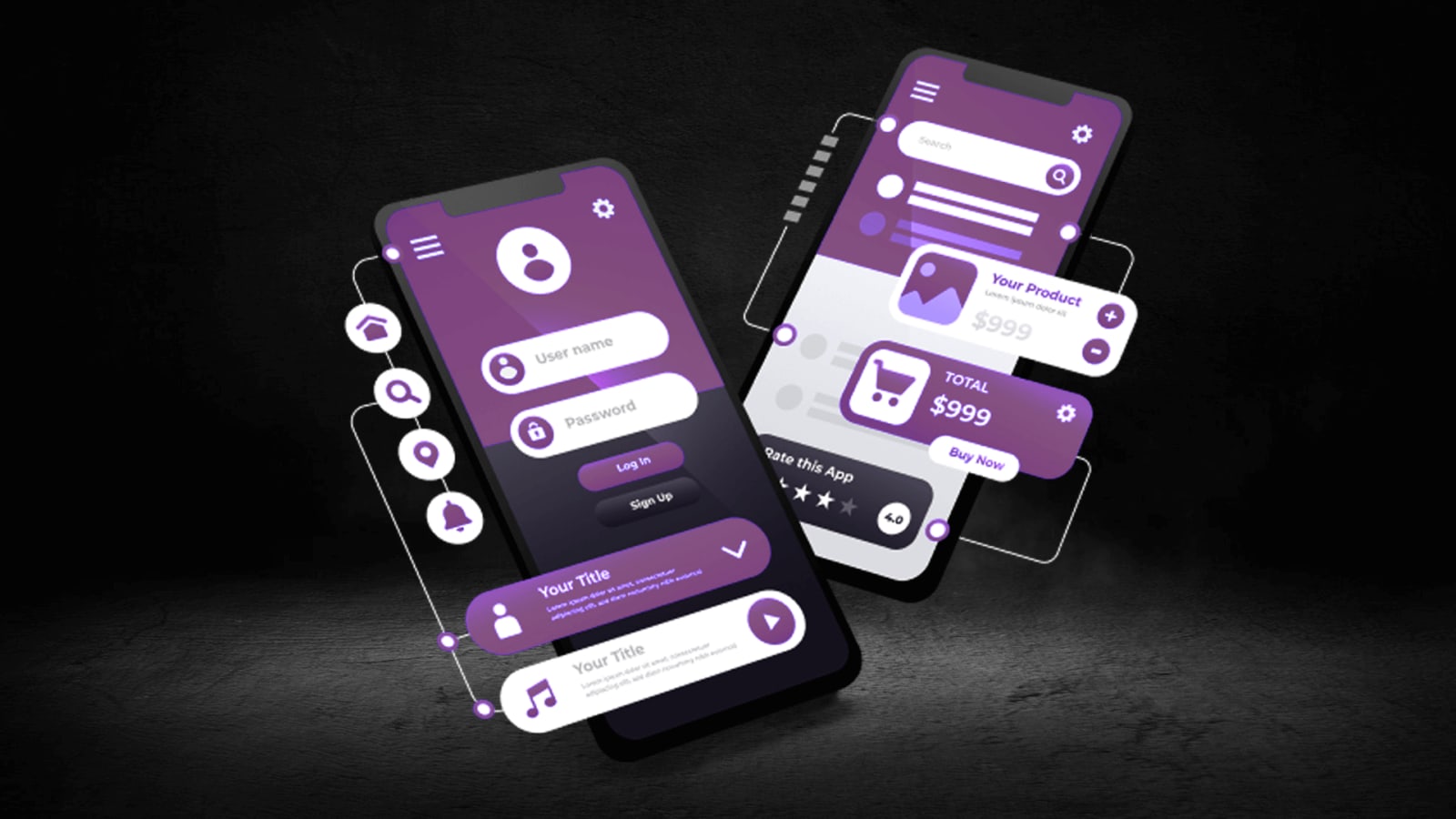
Design mobile apps that are intuitive, engaging, and user-friendly
Designing mobile apps requires a careful balance between functionality and simplicity. A well-designed app not only looks great but also provides a seamless user experience that keeps people engaged. In this guide we cover core design principles that ensure your app is easy to navigate visually appealing and accessible to all users regardless of device or ability. Whether you are creating a new app or refining an existing one following these guidelines can help you deliver an app that meets user expectations and business goals.
Prioritize Simplicity
Focus on core features and reduce clutter to create an intuitive interface. Each screen should have a single clear purpose guiding the user toward their goal without distractions. Avoid unnecessary buttons links or images that can overwhelm users or slow down interactions. A clean minimal design helps users find what they need quickly improving satisfaction and retention. Use whitespace effectively to separate elements and create a sense of order across your app’s layout.
Design for Touch
Mobile users interact with apps primarily through touch so it is critical to ensure that buttons icons and interactive elements are large enough to tap easily. Follow platform guidelines such as minimum target sizes recommended by Apple and Google to reduce user frustration. Position key controls where they are easy to reach typically in the lower half of the screen where thumbs naturally rest. Consider different screen sizes and orientations ensuring that your design adapts well to all devices from small phones to large tablets.
Additional Best Practices
- Use consistent typography and color schemes to strengthen brand identity and improve readability
- Incorporate feedback animations like button highlights or haptic responses to confirm user actions
- Test your design on real devices to identify usability issues and refine the user experience
- Ensure accessibility by using high contrast colors readable fonts and alternative text for images
- Keep load times short by optimizing assets such as images fonts and code to improve performance
• Anything else?